


Top Free AI Image Generators for Gaming Art (Avatars, Thumbnails, Concept Art)
Turn game ideas into art in minutes Whether you’re designing a new character concept, making a YouTube thumbnail, or creating a guild banner, AI image generators can help you produce clean
Turn game ideas into art in minutes
Whether you’re designing a new character concept, making a YouTube thumbnail, or creating a guild banner, AI image generators can help you produce clean visuals fast-without needing Photoshop skills.
To keep this list fair, we picked tools that:
- Have a free tier (free credits, limited daily generations, or a free plan)
- Work well for gaming-style visuals (characters, environments, items, posters)
- Are easy enough for beginners, but still powerful for creators
Note: “Free” usually means free credits / limited generations. Plans and limits can change over time.
Quick comparison: Top free AI image generators
| Tool | Best for | Why creators use it |
Free access style
|
| Bing Image Creator (Microsoft) | Fast concept visuals | Easy prompts, quick results |
Free credits with account
|
| Canva (Text to Image) | Thumbnails, banners, posters | Templates + AI images in one workflow |
Free plan with limits
|
| Leonardo AI | Consistent assets | Great for iterating styles and assets |
Free tokens (limited)
|
| Playground AI | Iteration + variations | Easy exploration and remixing |
Free tier (limited)
|
1) Bing Image Creator (Microsoft) – Best for Fast Concepts
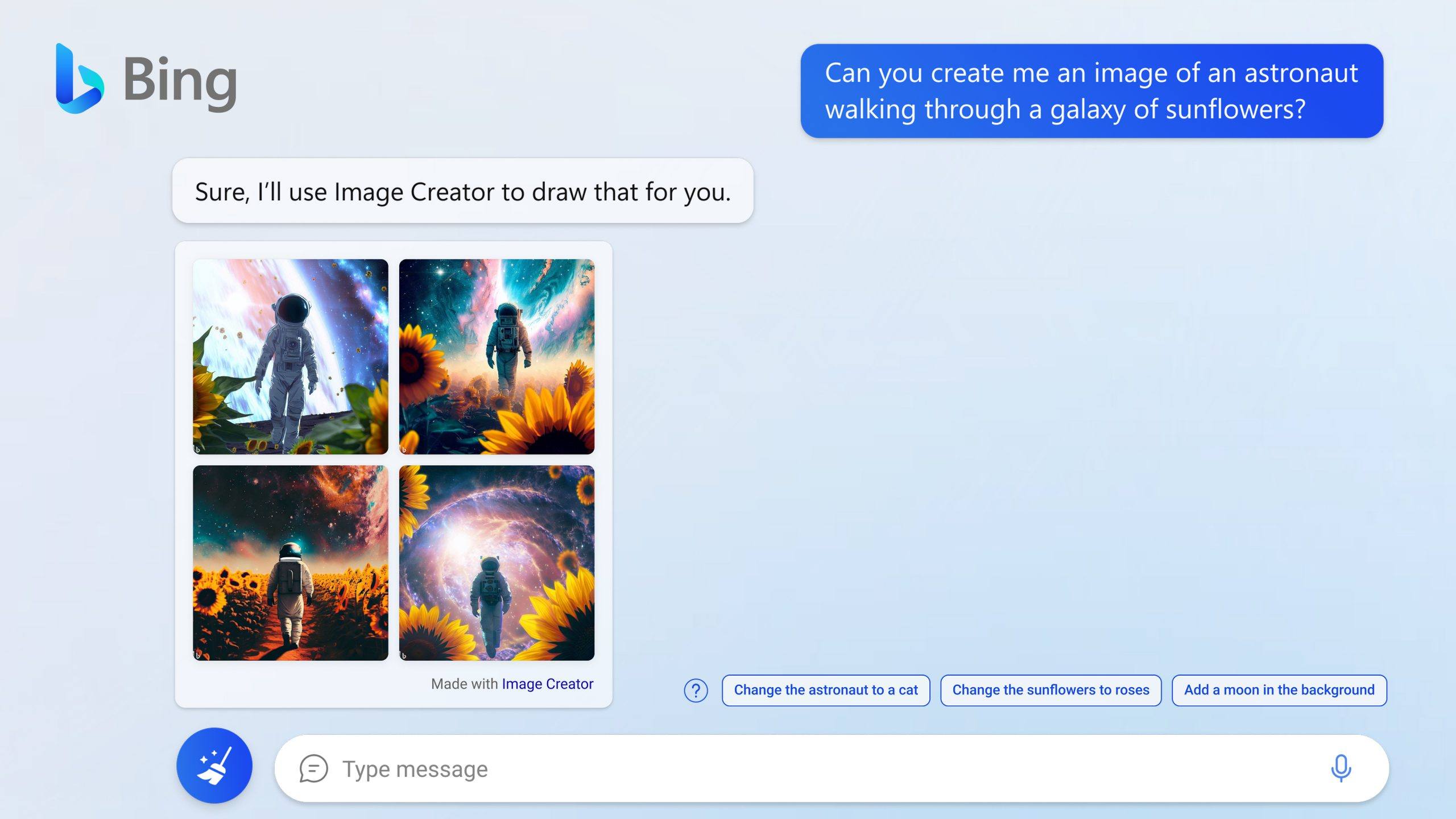
If you want a low-friction tool that quickly generates concept images, Bing Image Creator is a common go-to. It’s especially useful for brainstorming environments, mood boards, and “first draft” visuals.
Best for –
- Environment concepts (desert planets, cyberpunk cities, fantasy ruins)
- Creature ideas
- Quick “thumbnail concept” directions
⇒ Creator tip
Try prompting with camera language:
“Wide establishing shot of a ruined castle on a cliff, storm clouds, dramatic lighting, cinematic, high detail”
2) Canva (Text to Image) – Best for Gaming Thumbnails & Banners
Canva is useful if your output isn’t just an image-you need the final asset ready to post, like a YouTube thumbnail or a Twitch banner. You can generate visuals and assemble the layout in one place.
Best for –
- YouTube thumbnails
- Stream overlays
- Clan posters and announcements
⇒ Creator tip
Generate a background image, then overlay text with high contrast.
3) Leonardo AI – Best for Asset-like Iteration
Leonardo AI is popular among creators who want to iterate a style and produce many variations (useful if you’re trying to keep a “game world” consistent across multiple images).
Best for –
- “Same universe” visuals (multiple characters / scenes with a consistent vibe)
- Iterating designs (armor, weapons, icons)
- Generating variations quickly
⇒ Creator tip
Lock in a strong prompt and vary only one element at a time (weapon type, armor material, background).
4) Playground AI – Best for Exploration and Variations
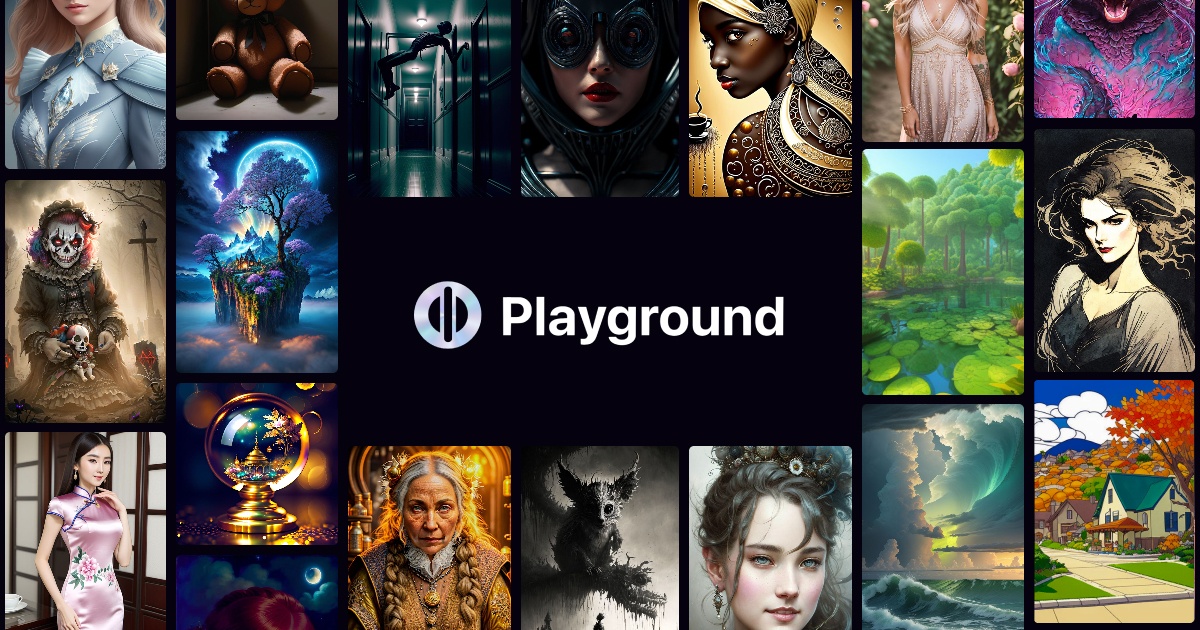
If you like experimenting, Playground AI makes it easy to explore styles and variations. It’s a practical choice for creators who want to try multiple looks before committing.
Best for –
- Exploring art direction
- Remixing ideas and getting variations
- Quick experiments for social posts
Prompt pack: 10 gaming prompts you can copy/paste
- “A heroic knight avatar portrait, fantasy, soft rim light, ultra-detailed, clean background”
- “A cyberpunk streamer profile image, neon lights, city bokeh, cinematic, sharp focus”
- “A top-down RPG inventory item icon set: potions, gems, scrolls, consistent style, high detail”
- “A sci-fi weapon concept, studio lighting, product render style, ultra-detailed”
- “A moody dungeon corridor, torchlight, volumetric fog, cinematic wide shot”
- “A cute mascot character for a gaming clan, sticker style, bold outlines, bright colors”
- “A battle royale loading screen key art, dynamic action pose, dramatic lighting, high contrast”
- “A fantasy map parchment background, hand-drawn ink style, subtle shading”
- “A pixel-art character sprite sheet, consistent proportions, 16-bit style”
- “A magical spell effect icon set, glowing particles, high clarity, consistent style”
Which tool should you pick?
- Want fast concept direction? → Bing Image Creator
- Want finished thumbnails/banners? → Canva
- Want iterative “same-world” assets? → Leonardo AI
- Want exploration + variations? → Playground AI
From avatars and thumbnails to character concepts and key art, AI image generator apps help bring gaming ideas to life with ease. They let you experiment freely, fine-tune details, and manage creative assets more efficiently. Try different styles, tweak prompts, and build visuals that match your game or channel—all from a single, streamlined workflow.